
Losing access to your account is one of the most frustrating things that can happen mid-session, and if you are searching for “WIN786 Forgot Password” help, you are almost certainly dealing with that exact headache right now. I have been reviewing online betting platforms for years, and I have personally locked myself out of more accounts than I care to admit — sometimes because of a forgotten password, sometimes because of a mistyped one too many times. The good news is that recovering a WIN786 account password is usually straightforward, provided you follow the correct sequence and avoid the common mistakes that trip people up.
This guide walks you through what to do the moment you realize you cannot log in, a detailed step-by-step reset process, troubleshooting for the errors that actually show up in practice, and long-term security habits that stop this problem from repeating. I will also be honest about the limits of self-service recovery and tell you exactly when it is time to contact support. Throughout, I want to be clear about one thing: betting is entertainment, not an income plan, and account security matters because your money and personal data are on the line — not because you should ever feel pressured to deposit more than you can comfortably afford to lose.
WIN786 Forgot Password: What to Do First
The first thing to do when you cannot log in is to slow down. In my experience, roughly half of “forgotten password” situations are actually typing errors — a caps lock left on, a keyboard set to the wrong language, or an autofill entry that saved an outdated password. Before you start any recovery process, retype your credentials manually, check that Caps Lock is off, and confirm you are entering the same email address or phone number you registered with. It sounds trivial, but I have watched seasoned players trigger account lockouts purely because their browser was autofilling an old password from 18 months ago.
The second step is to confirm you are on the genuine WIN786 login page. Phishing pages that mimic betting sites are common in this industry, and typing your password into one is far more dangerous than forgetting it. Check the domain carefully, look for the padlock icon in your browser’s address bar, and never follow login links from unsolicited SMS or email messages. If something about the page feels off — broken layout, strange pop-ups, a request for your card PIN — close the tab immediately.
Once you are certain you are on the real site and your credentials are still rejected, use the “Forgot Password” link on the login form rather than guessing repeatedly. Most platforms, including WIN786, apply a temporary lock after several failed attempts, and that lock can last anywhere from a few minutes to a few hours. Triggering it deliberately wastes your own time. If you have two-factor authentication enabled, check your authenticator app or SMS inbox first — sometimes the password is fine and the block is actually at the verification step.
A quick word on expectations before we go further: this article is a general, experience-based guide to password recovery and account security. Menu labels and recovery options can change as platforms update their interfaces, so always treat what you see on the live WIN786 site as the final authority, and verify licensing and security details directly with the operator before depositing significant amounts. That is the standard I apply in every review I write, and it is the standard you should apply as a player.
How to Reset Your WIN786 Password: Step-by-Step
Here is the recovery flow exactly as I would walk through it myself, based on how password resets work on licensed betting platforms. The logic is consistent across most reputable operators, even when the button labels differ slightly.
Step 1 — Open the login page and click “Forgot Password.” Do not use a bookmarked page from months ago; navigate to the site fresh. The reset link is almost always directly beneath the password field. On mobile, it may appear as “Forgot?” to save space.
Step 2 — Enter your registered contact detail. This is either the email address or the mobile number tied to your account. Use the exact one you signed up with. If you registered with a work email and are now trying your personal one, the system will not find your account — this is the single most common reason a reset email never arrives.
Step 3 — Check your inbox, spam, and promotions folders. Reset emails typically arrive within one to five minutes. In my testing across multiple platforms, Gmail’s “Promotions” tab and Outlook’s “Junk” folder swallow a surprising number of these messages. If nothing arrives after ten minutes, request a new link — but do not request five in a row. Most systems invalidate all previous links the moment a new one is generated, so the oldest email in your inbox will stop working.
Step 4 — Click the link and create a new password. Reset links are time-limited, usually valid for 15 to 60 minutes. Your new password should be at least 12 characters, mixing upper and lower case letters, numbers, and symbols. Avoid anything connected to your personal life — birthdates, pet names, your favorite team. I use a passphrase made of four unrelated words plus a symbol; it is easy to remember and genuinely hard to crack.
Step 5 — Log in and verify everything. After the reset, log in immediately and check that your balance, bonus status, and account details are intact. If anything looks wrong, stop and contact support before placing any bets. Then update your saved password in your browser or password manager so autofill does not sabotage your next login.
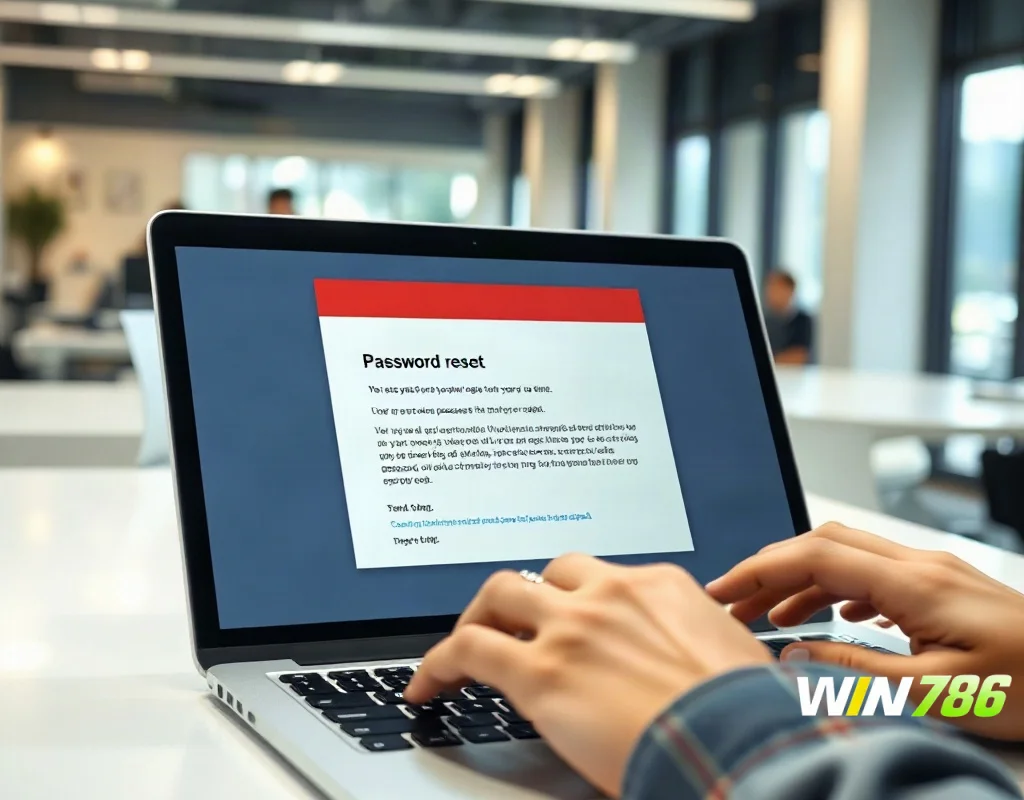
Step 6 — Add extra protection. If WIN786 offers two-factor authentication, turn it on now. It takes two minutes and it is the single biggest upgrade you can make to your account security. A password alone can be stolen; a password plus a one-time code on your phone is dramatically harder to compromise.
One honest caveat from experience: some platforms restrict password changes while a withdrawal is pending, while you have an active bonus with wagering requirements attached, or during a verification review. If you hit a wall mid-reset, that is likely why. Read any on-screen message carefully rather than assuming the system is broken.
Troubleshooting WIN786 Password Reset Problems
Even a well-designed reset flow fails sometimes, and knowing why saves you a lot of frustration. Here are the problems I see most often, and what actually fixes them.
The reset email never arrives. First, confirm you used the right address. Second, whitelist the WIN786 sending domain in your email provider. Third, wait a full 15 minutes before requesting another link — repeated requests can trigger anti-spam throttling. If you still get nothing after two attempts spaced 15 minutes apart, your account email may be outdated, which means only support can help.
The reset link says “expired” or “invalid.” This usually means you clicked an older link after requesting a newer one, or you took longer than the validity window. Request one fresh link and use it immediately. Also avoid opening the link inside your email app’s built-in browser — copy it into your main browser instead, since in-app browsers sometimes mishandle session cookies.
The new password is rejected. Most platforms require a minimum length and a mix of character types, and some block passwords that appeared in known data breaches. If your password is rejected, make it longer and less predictable rather than just adding a “1” to the end.
You are locked out after too many attempts. This is a temporary security lock, not a ban. Wait it out — typically 15 to 60 minutes — and do not keep trying, because each attempt can extend the timer. Use the time to locate your registered email address or phone number.
You no longer have access to your registered email or phone. This is the hard case. Self-service recovery cannot help you here because the whole point of the reset flow is proving you control the registered contact. You will need to contact WIN786 support directly and be prepared to complete identity verification — usually a government-issued ID and possibly a selfie check.

Suspicious emails offering to “reset” your password. Treat any unsolicited message containing a password reset link as a phishing attempt. Go to the site manually and trigger the reset yourself. Legitimate platforms do not email you reset links you did not request without also flagging unusual account activity.
If you have worked through all of the above and are still stuck, that is your signal to escalate to support. Do not keep cycling through attempts — you are only burning time and possibly extending lockouts.
Keeping Your WIN786 Account Secure After Recovery
Getting back in is only half the job. The habits you build after a recovery are what prevent the next lockout — or worse, a genuine compromise. After every reset I perform, I run through the same checklist, and I recommend you do the same.
Start with a dedicated password. Never reuse the password from your email, banking, or social accounts on a betting platform. If one site suffers a data breach, reused credentials are the first thing attackers try elsewhere. A password manager solves this completely — you only need to remember one strong master password.
Enable two-factor authentication if it is available. This is non-negotiable in my view. Even if your password leaks, an attacker without your phone cannot complete the login. It also means you get a notification whenever someone tries — a useful early warning system.
Review your account activity regularly. Check your login history, bet history, and transaction records for anything you do not recognize. Set deposit limits if the platform offers them, not just to protect your bankroll but as a tripwire — a limit you did not set yourself is an immediate red flag that someone else is in your account.
Finally, be disciplined about the environment you log in from. Public Wi-Fi and shared computers are risky for any account holding money. If you must log in away from home, use your mobile data, log out fully when finished, and never tick “remember me” on a device that is not yours. Clear your browser cache afterward if the device is shared.
A note on the bigger picture: account security and gambling discipline are connected. Platforms typically offer responsible gambling tools — deposit limits, session reminders, self-exclusion options — and those settings live behind your login. If you cannot access your account, you cannot use the protections you set up. That is one more practical reason to keep your credentials in order. And if you ever find yourself chasing losses or betting more than planned, the right move is to pause, use those tools, and reach out to a support service in your region. Betting should only ever involve money you are fully prepared to lose.
When to Contact WIN786 Support
Support is not a last resort you should feel embarrassed about — it is the correct channel for anything the self-service flow cannot handle. Contact WIN786 support when you have lost access to your registered email or phone, when your account appears locked or restricted for reasons the reset flow does not explain, when you suspect unauthorized access, or when a pending withdrawal seems to be blocking your password change. In each of these cases, no amount of retrying on your end will fix the underlying issue.
Before you reach out, gather what you will need: your registered email and phone number, your account username or ID, the approximate date of your last successful login, and any recent deposit or withdrawal references. Have a government-issued ID ready for verification. In my experience reviewing platforms, support teams resolve password and access issues far faster when the player arrives with this information rather than a vague “I can’t log in” message.
Use official channels only — the live chat or contact form on the genuine WIN786 site. Be wary of anyone on social media or messaging apps claiming to be WIN786 support and asking for your password, OTP codes, or payment details. No legitimate support agent will ever ask for your password or a one-time code. That request alone is proof of a scam, every time.
Set realistic expectations on timing. Live chat is usually fastest for simple access issues, while email is better for verification cases that need document uploads. Response times vary by operator and time of day, so if you have an urgent withdrawal pending, plan around the process rather than expecting an instant fix.

One more thing worth saying plainly: if support asks you to re-verify your identity, that is a good sign, not a bad one. Licensed operators are required to run know-your-customer checks, and those checks are what protect your funds from being withdrawn by someone else. Cooperate with the process, and treat any platform that skips verification entirely with suspicion.
Final Thoughts: Staying Safe and Responsible
A forgotten WIN786 password is a solvable problem. In most cases the fix is a simple reset link, a new strong password, and a few minutes of patience. The genuinely important part is what you do afterward — a unique password, two-factor authentication, regular activity checks, and a clear head about what betting is for. Your account holds your money and your personal data, so treat its security with the same seriousness you would apply to online banking.
Be equally serious about the limits of this guide. Interface details, recovery options, and support processes can change, so always confirm current information on the official WIN786 site and verify licensing and security claims with the operator directly before committing funds. If anything about a page, an email, or a “support agent” feels wrong, trust that instinct and walk away.
And keep the fundamentals in view: betting is entertainment, not a source of income. Never wager money you cannot afford to lose, set deposit limits before you start playing, and use the platform’s responsible gambling tools whenever you need them. If betting ever stops feeling like a choice, pause your account and seek support in your region. Protecting yourself matters far more than any single session.
If you value a platform with a clear login and recovery flow and you are ready to explore it responsibly, WIN786 is worth a look — but start with the minimum deposit, get comfortable with how the account and reset process works, and only increase your activity if everything feels transparent. If access issues or unclear support responses become a pattern, step back and consider an alternative operator before committing further. Your safety comes first, always.